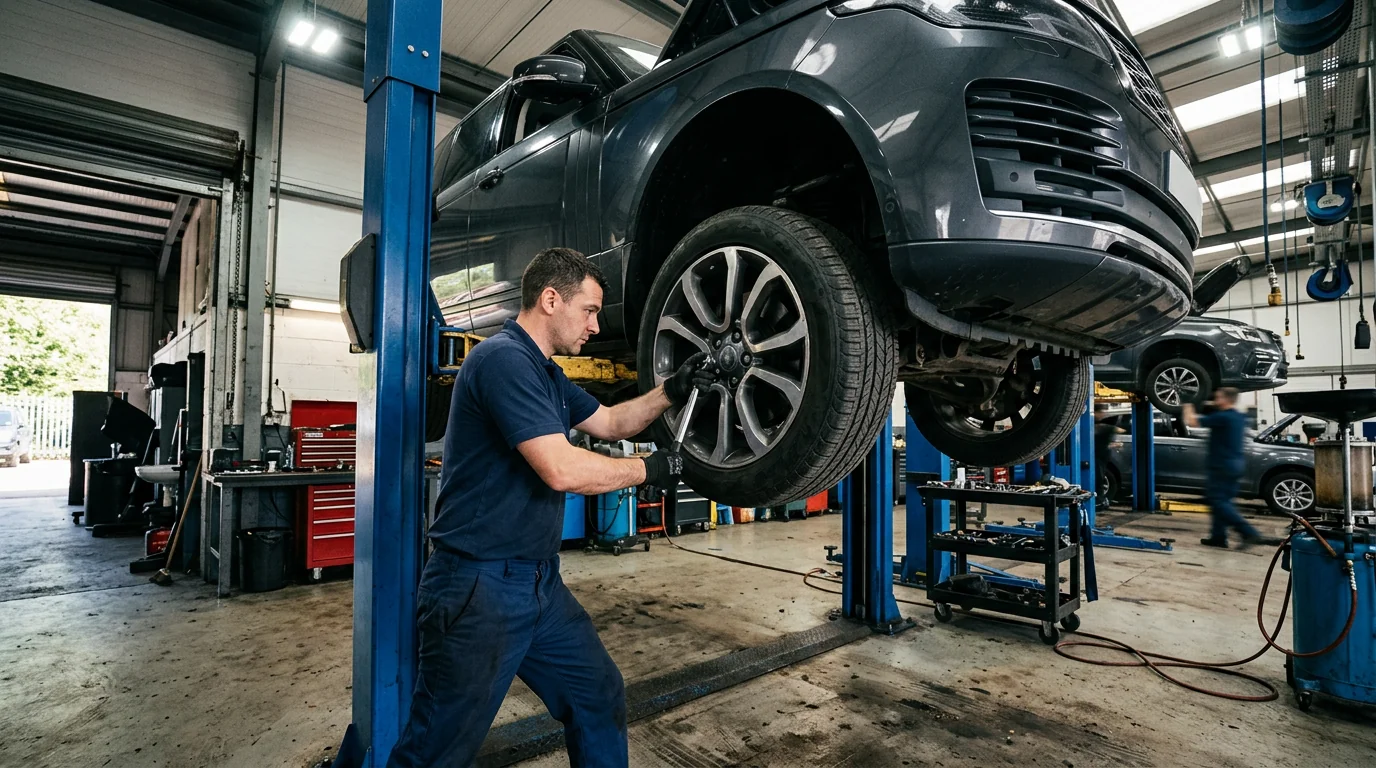
New photos addedFour photos from the vehicle inspection.

Notifications & Reminders
Make an update worth the interruption.
Explore the events that should trigger a notification and the people who genuinely need to receive it.
Choose the event before the message
Fictional workflow example · not a live product screen
EST-1042 · fictional email example
Choose a useful event
Event reviewIdentify the specific change a recipient needs to know about.
- Event
- Estimate ready for review
- Record
- EST-1042
- Customer
- Jordan Lee
- Purpose
- Request a scope conversation
A meaningful event is more useful than sending every status change.
Sample data only. Nothing is saved, sent, booked or authorized. Discuss actual product availability in your demo.
- Choose the eventIdentify useful moments such as an upcoming visit, an estimate ready for review or a blocked job.
- Define the audienceSeparate internal team updates from customer messages. Confirm preferences, consent and opt-out requirements.
- Verify deliveryAsk which email or other channels are live, how failures are surfaced and who can change templates. No SMS service is claimed.
- Evaluate with confidenceConfirm the production scope in your demo.
FOLLOW A SAMPLE VISIT
Inside the notifications & reminders conversation.
Select a stage to see the records, responsibility and result at that handoff.
Identify useful moments such as an upcoming visit, an estimate ready for review or a blocked job.
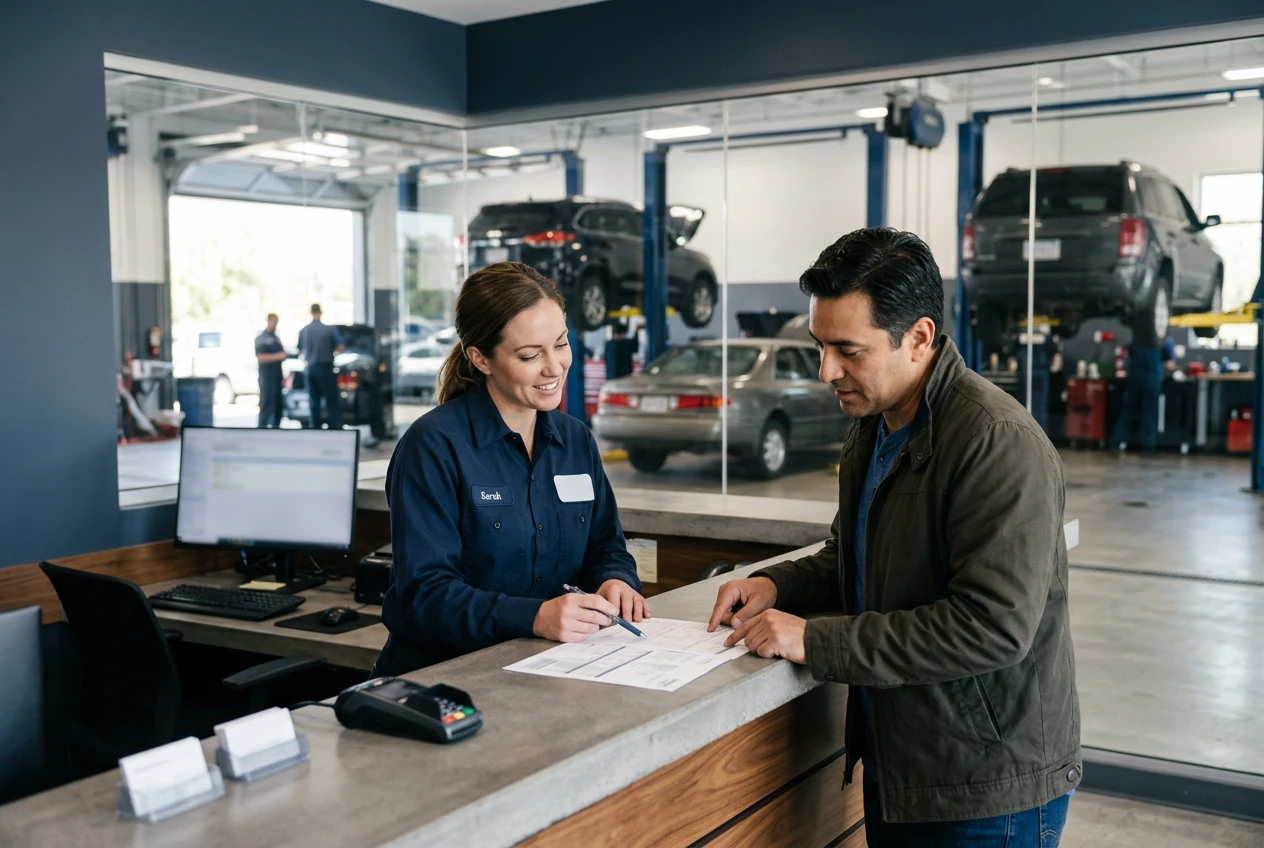
Event review1 / 3
EST-1042 · fictional email example
Choose a useful event
Identify the specific change a recipient needs to know about.
- Event
- Estimate ready for review
- Record
- EST-1042
- Customer
- Jordan Lee
- Purpose
- Request a scope conversation
A meaningful event is more useful than sending every status change.Fictional example · nothing saved or sent
Explore the workflow, then confirm the fit
These fictional examples explain the shop process, not a live account. Use a demo to confirm the available product capabilities and agree the scope for your workshop.
THE WORK. THE PEOPLE. THE NEXT STEP.
Start with the work your team needs to do.
More alerts do not necessarily produce better coordination. Choose meaningful events and confirm the delivery channel before relying on automation.

Customer Profile
Customer and vehicle history, together.
JS
John SmithSample customer · Albuquerque, NM
Active customer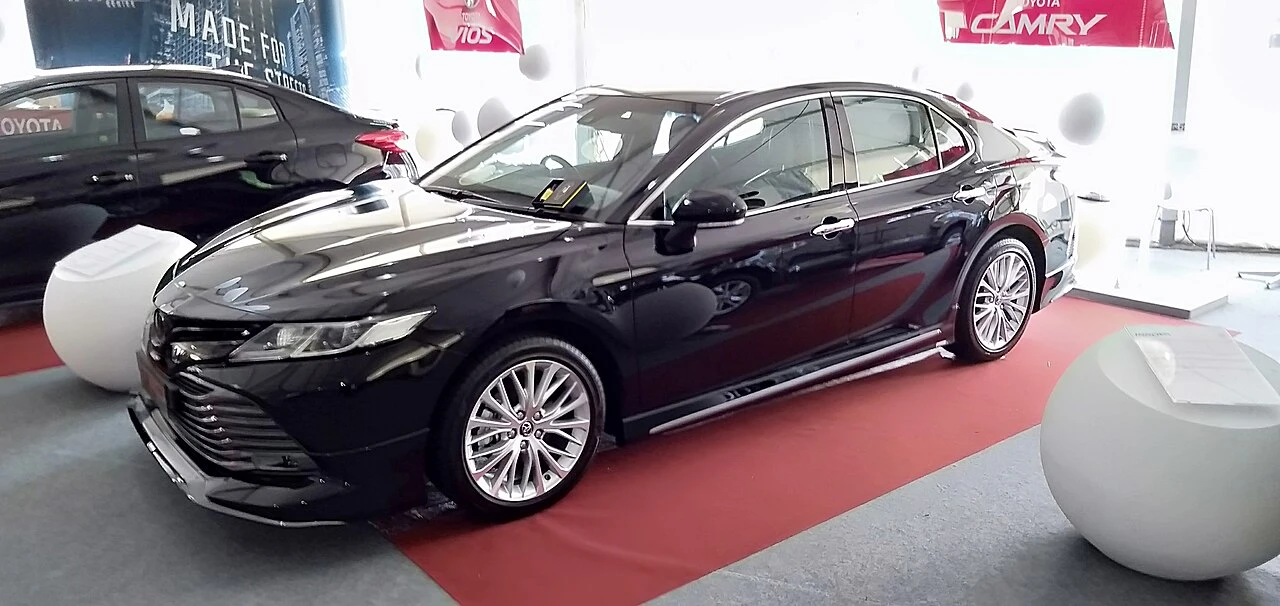
2020 Toyota CamrySample vehicle · 42,580 mi
In shopRecent service history
| Mar 15, 2024 | Brake service | $752.34 |
|---|---|---|
| Dec 10, 2023 | Oil change | $89.99 |
| Sep 22, 2023 | Tire rotation | $49.99 |
Try the customer status timeline
My vehicle
Sample vehicle · 2024 SUV
- Check inToday, 9:12 AM
- InspectionToday, 10:24 AM
- Estimate readyToday, 11:08 AM
- Waiting for approval
- In repair
- Ready for pickup
Currently: Estimate ready. This changes only this preview.
Estimate readyYour estimate is ready for review.
Make your demo specific.
Bring an anonymized example of this workflow and use these questions to examine the available product.
- Which notifications are actually sent by the production system?
- Can recipients, timing and message content be configured?
See how the pieces fit.
All product areas
YOUR PEOPLE. YOUR PROCESS. YOUR SHOP.
Your shop's next chapter.
Let's build it together.
Bring the work you do every day. Explore what SaSa could bring together, with a conversation shaped around your team.