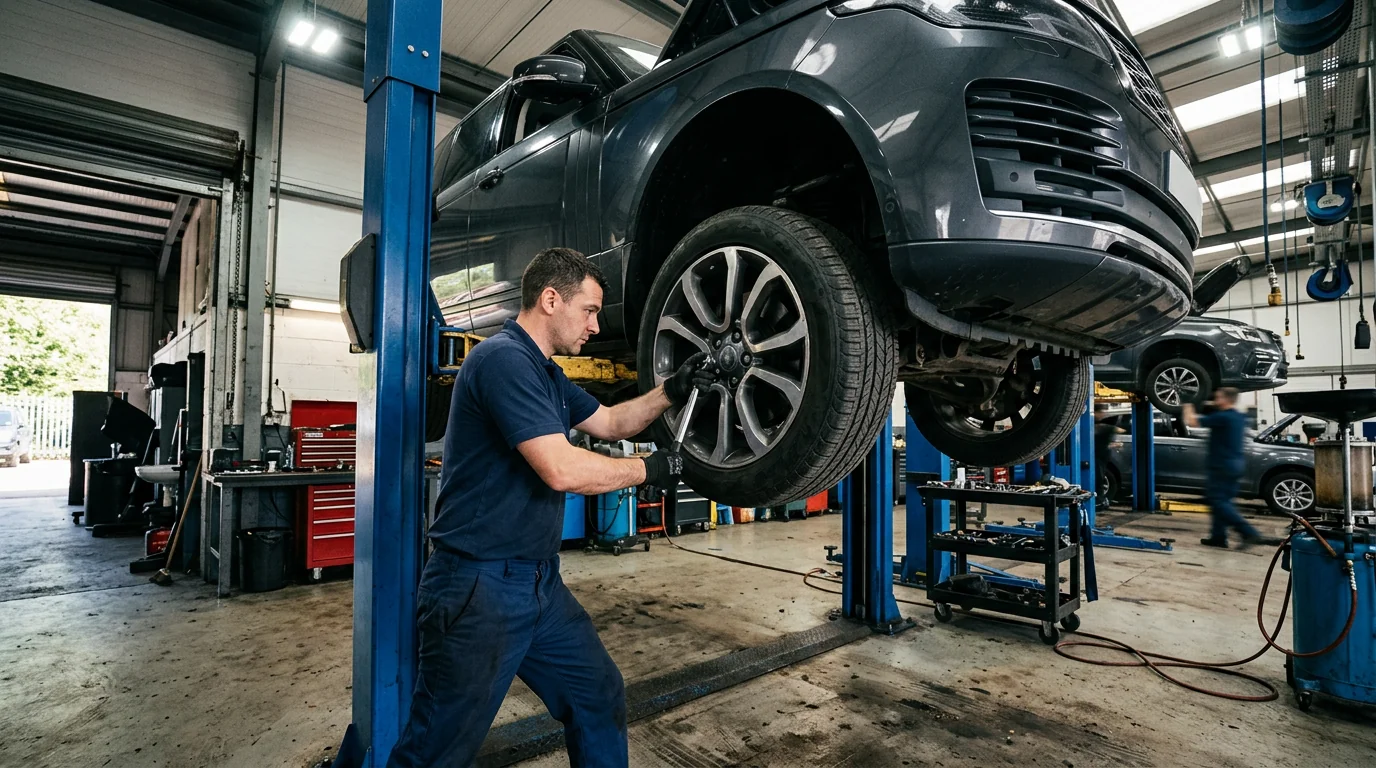
 2019 BMW X5Oil change

Repair Orders
Keep the scope with the work.
Use a repair-order discussion to connect the customer concern, authorized scope, technician assignment and closeout record.
One visit, one defined scope
Fictional workflow example · not a live product screen
RO-1042 · Jordan Lee · 2020 Toyota Camry
Open the visit
IntakeReview vehicle identity and the customer’s reported concern.
- Customer
- Jordan Lee
- Vehicle
- 2020 Toyota Camry
- Odometer
- 62,400 mi
- Concern
- Noise during braking
The repair record begins with a concern, not a premature diagnosis.
Sample data only. Nothing is saved, sent, booked or authorized. Discuss actual product availability in your demo.
- Capture the concernRecord what the customer reported without substituting a diagnosis. Link it to the correct vehicle and visit.
- Confirm the authorized scopeKeep proposed work distinct from work that may proceed. Identify how changes and additional recommendations should be reviewed.
- Prepare the handoffAgree on the information an advisor needs before pickup: completed work, unresolved questions and future recommendations.
- Evaluate with confidenceConfirm the production scope in your demo.
FOLLOW A SAMPLE VISIT
Inside the repair orders conversation.
Select a stage to see the records, responsibility and result at that handoff.
Record what the customer reported without substituting a diagnosis. Link it to the correct vehicle and visit.
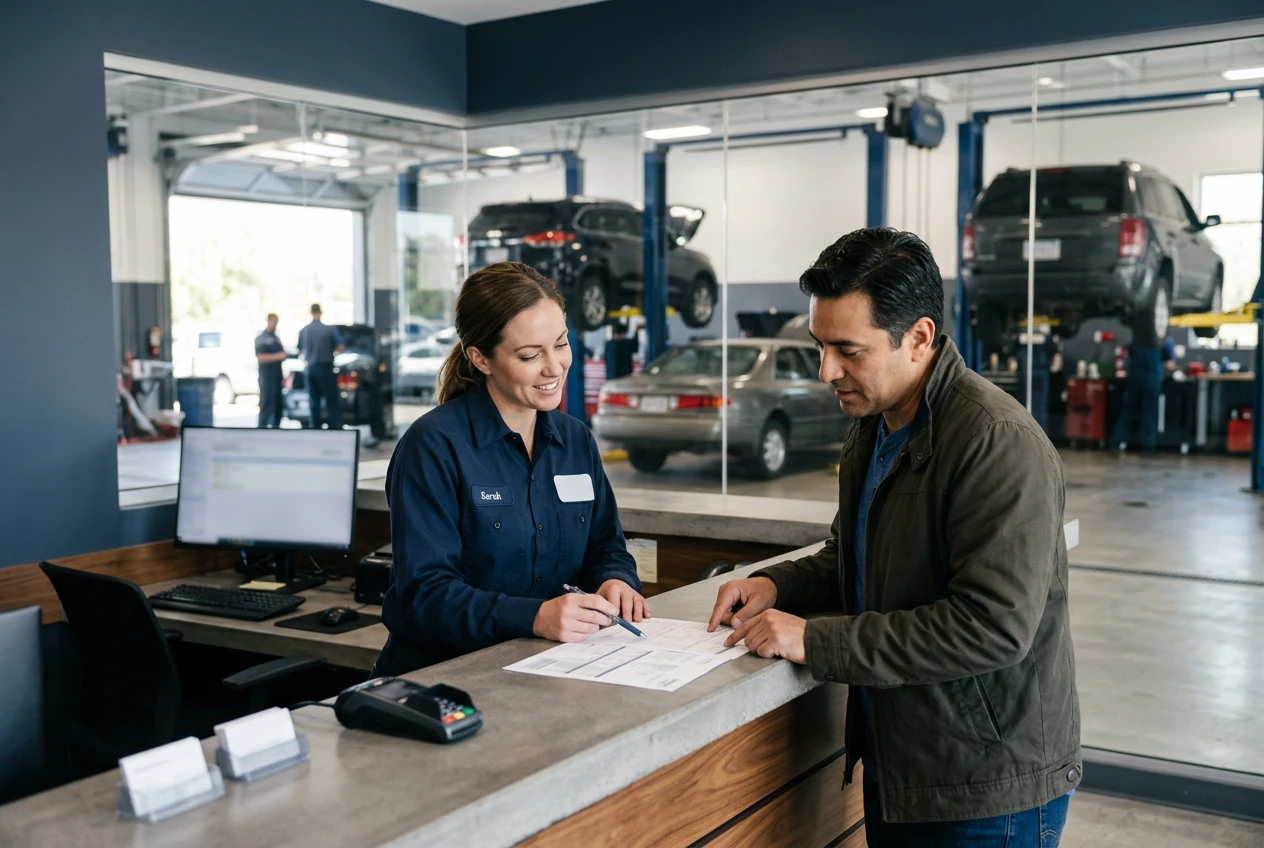
Intake1 / 3
RO-1042 · Jordan Lee · 2020 Toyota Camry
Open the visit
Review vehicle identity and the customer’s reported concern.
- Customer
- Jordan Lee
- Vehicle
- 2020 Toyota Camry
- Odometer
- 62,400 mi
- Concern
- Noise during braking
The repair record begins with a concern, not a premature diagnosis.Fictional example · nothing saved or sent
Explore the workflow, then confirm the fit
These fictional examples explain the shop process, not a live account. Use a demo to confirm the available product capabilities and agree the scope for your workshop.
THE WORK. THE PEOPLE. THE NEXT STEP.
Start with the work your team needs to do.
When a concern, an estimate and a technician’s notes live separately, the team can lose track of what was actually authorized.
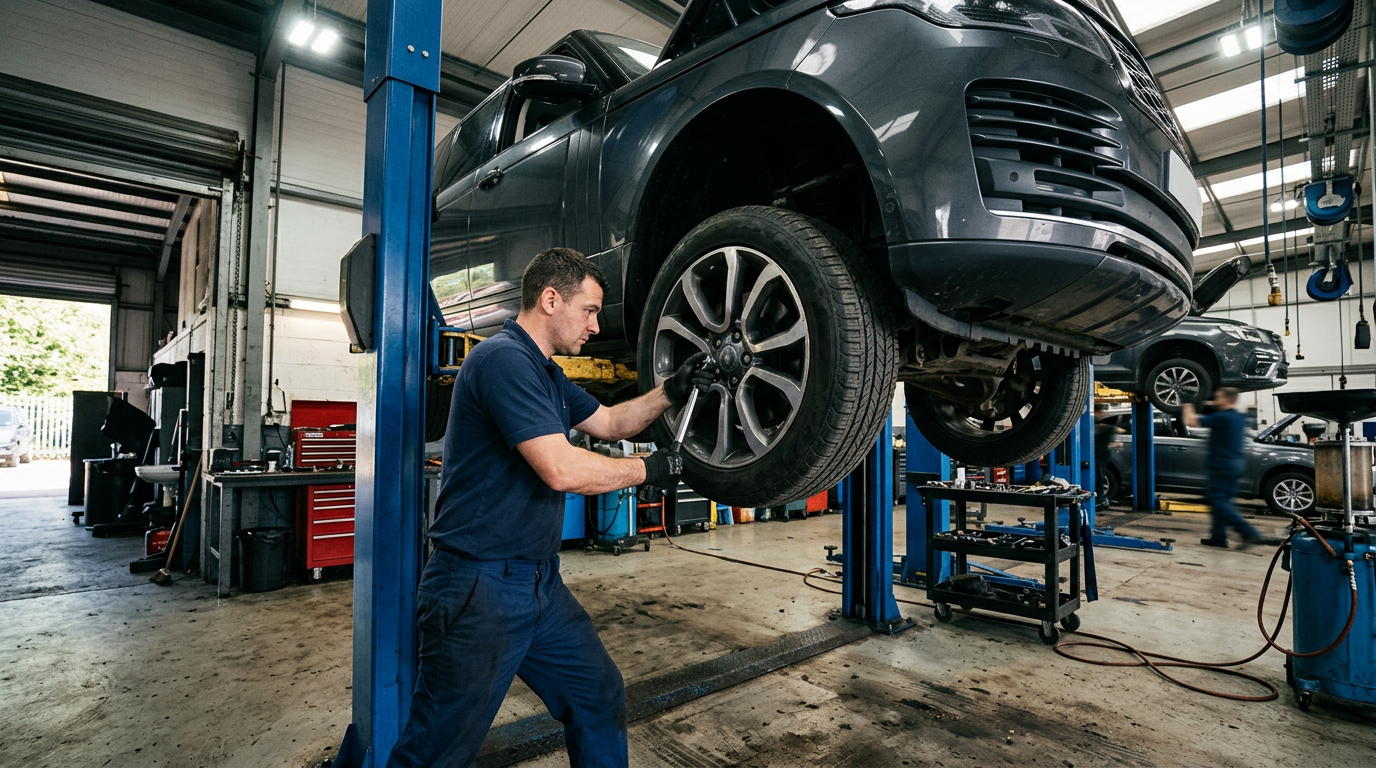
Shop workflow
Track every vehicle from check-in to completion.
- 6Total
- 2Inspection
- 1Waiting
- 1Ready
Checked in2
2019 BMW X5Oil change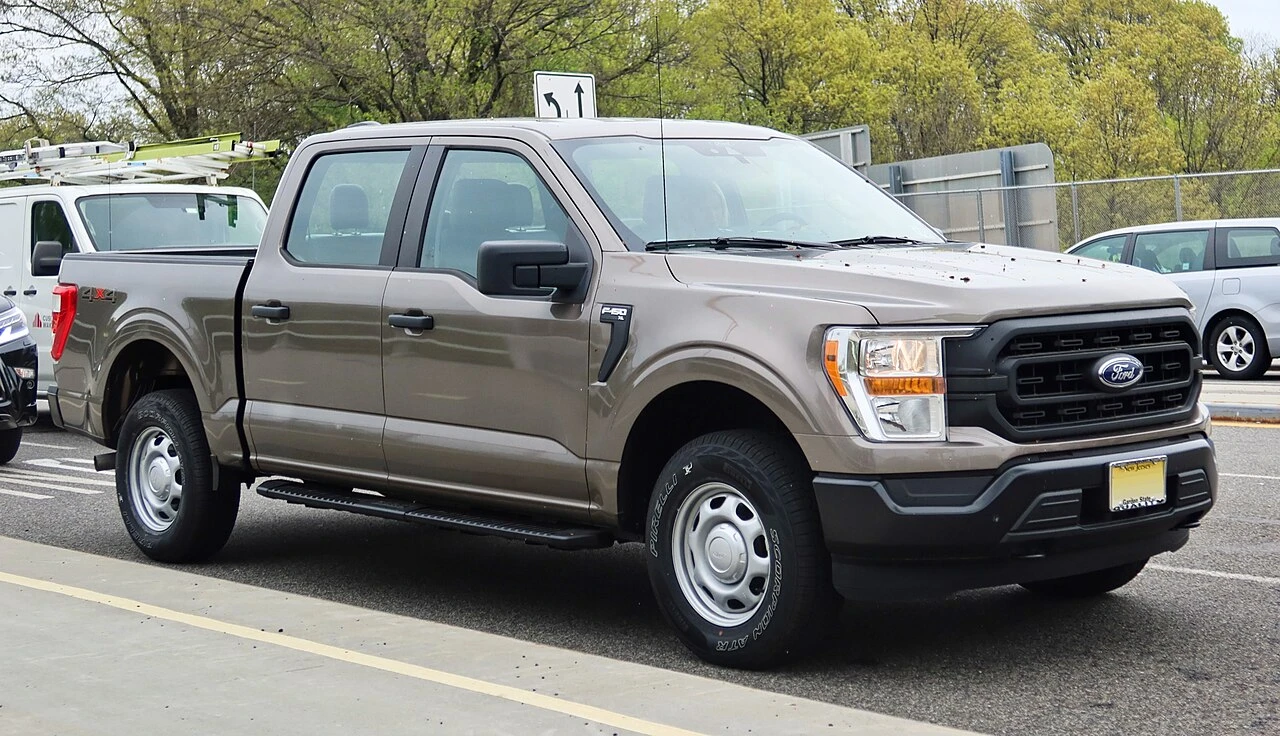 2021 Ford F-150Diagnostic
Inspection2
 2020 Toyota CamryFull inspection2019 BMW X5Brake service
Waiting approval1
2021 Ford F-150Tires + alignmentReady for pickup1
2020 Toyota CamryBrake serviceMake your demo specific.
Bring an anonymized example of this workflow and use these questions to examine the available product.
- Can approved estimate items become repair-order items?
- How are revisions, attachments and status changes recorded?
See how the pieces fit.
All product areas

YOUR PEOPLE. YOUR PROCESS. YOUR SHOP.
Your shop's next chapter.
Let's build it together.
Bring the work you do every day. Explore what SaSa could bring together, with a conversation shaped around your team.