
Suppliers & Vendors
Know the source behind the part.
Prepare a supplier-record structure that supports purchasing conversations without assuming connected catalogs or automatic ordering.
Know who supplies the required part
Fictional workflow example · not a live product screen
Cedar Parts · fictional vendor record
Review the supplier record
Supplier profileIdentify the vendor and its role in the shop’s purchasing.
- Supplier
- Cedar Parts
- Category
- Brake components
- Shop reference
- SUP-014
- Live catalog connection
- Not implied
A vendor record is kept separate from a connected ordering service.
Sample data only. Nothing is saved, sent, booked or authorized. Discuss actual product availability in your demo.
- Keep useful detailsDefine the contact and reference fields the purchasing team needs. Do not place payment credentials in general notes.
- Connect purchasing contextAgree how orders, delivery questions and returns should reference a supplier.
- Verify integrationsList the catalogs and suppliers you depend on and request confirmation for each connection. A saved vendor record is not an integration.
- Evaluate with confidenceConfirm the production scope in your demo.
FOLLOW A SAMPLE VISIT
Inside the suppliers & vendors conversation.
Select a stage to see the records, responsibility and result at that handoff.
Define the contact and reference fields the purchasing team needs. Do not place payment credentials in general notes.

Cedar Parts · fictional vendor record
Review the supplier record
Identify the vendor and its role in the shop’s purchasing.
- Supplier
- Cedar Parts
- Category
- Brake components
- Shop reference
- SUP-014
- Live catalog connection
- Not implied
THE WORK. THE PEOPLE. THE NEXT STEP.
Start with the work your team needs to do.
A vendor name alone does not explain who to contact, which account to reference or how a disputed delivery should be handled.
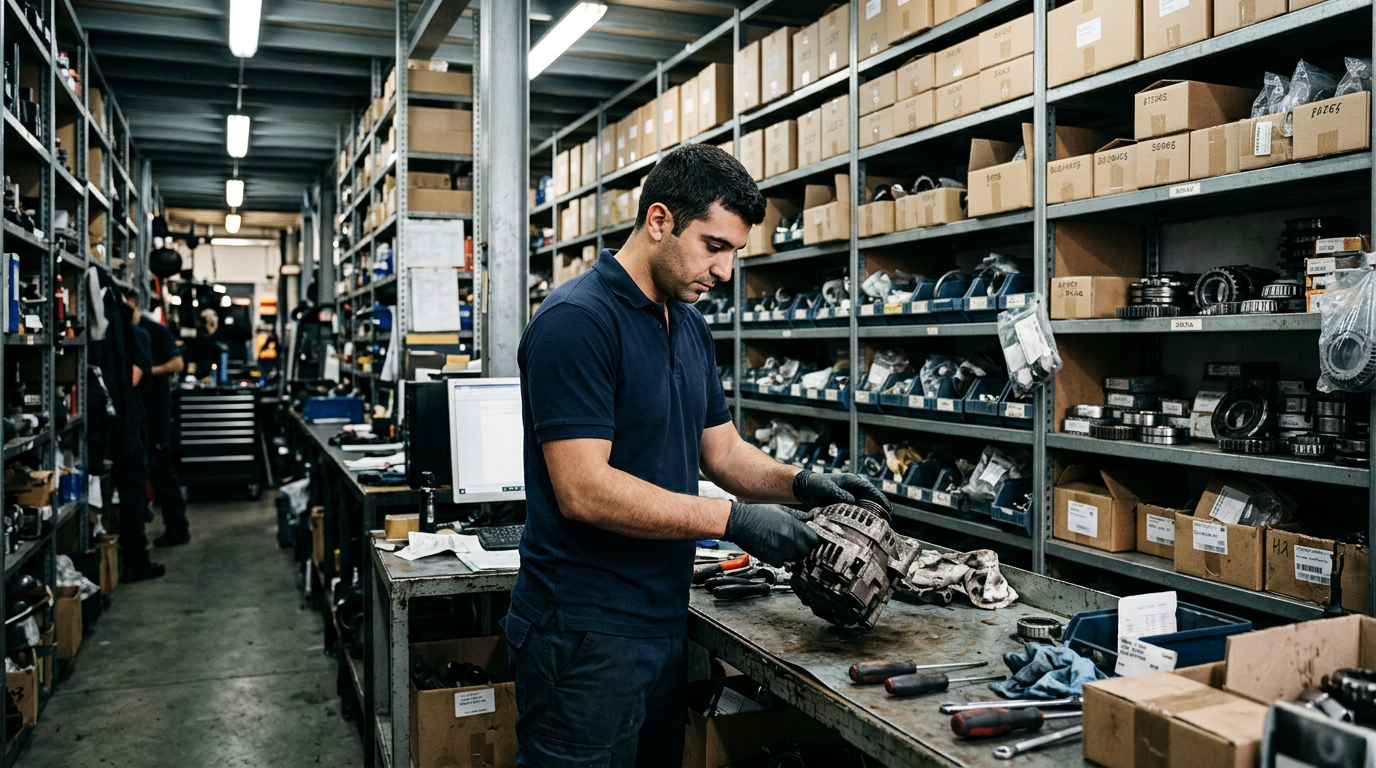
Inventory
Track stock, locations and purchase planning.
- 8Parts listed
- 4Need review
- 36On order
- 1Out of stock
| Part | Category | Location | Stock | Status |
|---|---|---|---|---|
| Brake disc | Brakes | Main | 14 | In stock |
| Oil filter | Filters | Main | 3 | Low stock |
| Air filter | Filters | Main | 0 | Out of stock |
| Front brake pads | Brakes | Location B | 28 | In stock |
| Spark plug | Ignition | Main | 52 | In stock |
| Cabin filter | HVAC | Location C | 6 | Low stock |
| Timing belt kit | Engine | Main | 4 | Low stock |
| Battery | Electrical | Main | 11 | In stock |
Make your demo specific.
Bring an anonymized example of this workflow and use these questions to examine the available product.
- Which supplier fields and purchase-order links are available?
- Is any supplier or catalog integration actually connected?
See how the pieces fit.
All product areas

YOUR PEOPLE. YOUR PROCESS. YOUR SHOP.
Your shop's next chapter.
Let's build it together.
Bring the work you do every day. Explore what SaSa could bring together, with a conversation shaped around your team.